For most small UK shops, Shopify website cost comes down to three things: a one-off build fee, a monthly Shopify plan, and a handful of app subscriptions on top. With a freelance developer, a straightforward shop on a good paid theme is usually a few days’ work, so think low thousands for the build and tens of pounds a month to run it. A heavily customised or fully bespoke store costs more, because there’s more to build and test.
That’s the short answer to the Shopify website cost question. The longer answer depends on how many products you sell, how custom the design needs to be and which apps you end up relying on. This guide goes through what you’re paying for, the seven things that move the price, rough figures by project type, what it costs to run a shop after launch, and how to keep the spend sensible.
I build and customise Shopify stores in Liquid, set up metafields and apps, and do overflow work for agencies, so this is written from the developer’s side of the quote. If you’re still deciding on a platform, my guide to WordPress vs Shopify is a good place to start.
Shopify website cost: what you’re actually paying for
Shopify is different from WordPress in one important way. You don’t pay for hosting separately, because it’s included in your Shopify plan. Security, the checkout and the SSL certificate are all handled for you. That makes running a shop simpler, but it also means you’re paying Shopify every month for as long as you trade.
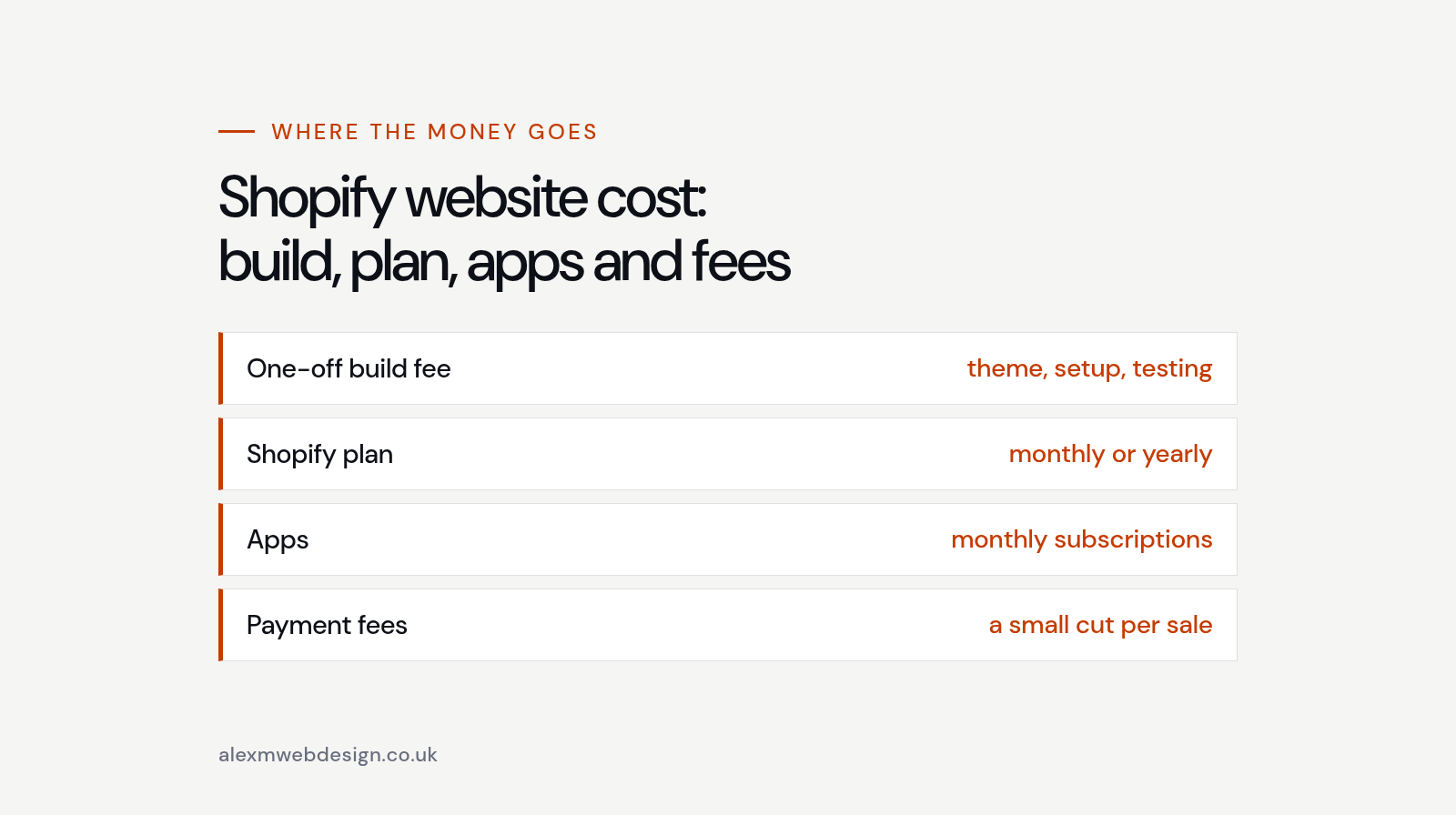
So your Shopify website cost really has four parts. There’s the build, which is a one-off fee for setting up the store, choosing and configuring a theme, building any custom sections, adding products and testing everything properly. There’s the Shopify plan itself. There are apps, which add features Shopify doesn’t do out of the box. And there are payment fees, which are a small percentage of every sale.
At the time of writing, the Shopify UK pricing page lists Basic at £19 a month, Grow at £49 and Advanced at £259 when you pay yearly, with monthly billing costing a bit more. Shopify Plus starts at around £1,800 a month and is really for larger businesses. Prices and offers change, so always check the current figures before you budget.
When two quotes look very different, it’s usually because one includes more of the work. A cheap quote might just install a theme. A higher one might include product setup, custom sections, apps, shipping rules and proper checkout testing. Ask what’s included before comparing totals.
7 things that change your Shopify website cost
Every shop is different, but the same seven things decide most of your Shopify website cost. Once you understand them, it’s much easier to read a quote and see where the money’s going.
1. A paid theme, a customised theme or a custom build
This is the biggest swing in Shopify website cost. A well-chosen theme from the Shopify Theme Store gets you a fast, tested design for a one-off fee, usually a few hundred pounds for a paid theme. Set up properly with your branding, it suits a lot of small shops very well.
Customising that theme in Liquid adds time. That might mean new sections for your home page, a different product page layout or extra content blocks your team can edit. A fully custom theme built from scratch takes longest of all, and it’s usually only worth it when your brand or your products genuinely need something a theme can’t do.
2. How many products you have, and how complicated they are
Ten simple products are quick to set up. Five hundred products with sizes, colours, bundles and different images for each variant take much longer, especially if the data needs cleaning first. Products are one of the most underestimated parts of Shopify website cost, because it’s careful, repetitive work that has to be right.
3. Custom data with metafields
Metafields let you store extra information on products, collections and pages, like ingredients, care instructions, size guides or technical specs, and show it neatly in the theme. They’re one of the best tools in Shopify, and they often replace an app you’d otherwise pay for every month, which keeps your Shopify website cost lower.
Setting them up takes some planning. Each one needs defining, connecting to the theme and filling in. It’s a sensible upfront cost that keeps the store tidy and easier to manage later.
4. Apps and integrations
Most shops need a few apps. Reviews, subscriptions, product filters, email marketing, wholesale pricing and delivery date pickers are common ones. Each app has to be chosen, set up and checked so it doesn’t slow the store down or clash with the theme.
Apps also carry their own monthly fees, so they affect your Shopify website cost long after launch. Connecting to outside systems like an ERP, a warehouse or an accounting package takes more time again, particularly if the other system doesn’t behave the way its documentation says.
5. Shipping, tax and markets
Selling only within the UK with a couple of flat delivery rates is simple. Selling to Europe or the US, with different currencies, duties, translations and carrier rates, needs more setup and more testing. Shopify Markets handles a lot of this well, but it still has to be configured and checked for each region, and each extra market adds a little to your Shopify website cost.
6. Content, photography and SEO groundwork
Good product photos and clear descriptions sell products. If they’re ready before the build starts, the project moves quickly. If the developer has to chase, rewrite and resize everything, that’s extra time on your Shopify website cost.
Every store I build gets the SEO basics: sensible page titles, meta descriptions, clean headings, image alt text and a tidy collection structure. Ongoing SEO, like keyword research and writing new content, is separate. Nobody can honestly promise you rankings, so be wary of any quote that does.
7. Who builds it
Doing it yourself keeps the cash cost lowest, and Shopify makes that more realistic than most platforms. The trade-off is your time, and a store that can look a bit generic. A freelance developer usually sits in the middle. An agency costs more because there’s a team behind it, which can make sense for bigger projects.
For most small shops, a freelancer gives the best value, because you’re paying for the person doing the work rather than the overheads around them, and you deal with the same person from the first call to launch.
A rough guide to Shopify website cost by project type
I charge £350 a day for builds and £45 an hour for smaller jobs and support. That makes it fairly easy to turn the size of a project into a rough price. These are ballpark figures to help you plan, not a quote. The real Shopify website cost always depends on the detail.

A starter shop on a paid theme. A theme set up with your branding, a small catalogue, payments, shipping, policies and a tested checkout. If your products and photos are ready, this is usually around three to five days of work, so roughly £1,050 to £1,750, plus the theme itself.
A customised theme. The same starting point, but with custom Liquid sections, metafields for product details, a few apps set up properly and a larger catalogue. This is more like six to ten days, so roughly £2,100 to £3,500.
A fully custom Liquid theme. Bespoke templates designed around your brand and products. These vary the most, so I’d always want to see the designs and plan first.
Moving to Shopify from another platform. Migrating from WooCommerce, Squarespace or an older system depends on how much data you’re bringing across. Products, customers, order history and redirects from old URLs all take care, and redirects matter a lot if you don’t want to lose the search traffic you’ve already built.
If you’ve seen much higher or lower numbers elsewhere, that’s normal. The spread in Shopify website cost across the UK is wide, mostly because of what’s included and who’s doing the work.
Ongoing Shopify website cost after launch
The build is a one-off. Running costs carry on for as long as you trade, so it’s worth budgeting for them from day one.

Your Shopify plan. Most small shops start on Basic or Grow. You can move up later when you need more staff accounts or lower card rates, so there’s no need to start on a bigger plan than you need.
App subscriptions. This is the part of your Shopify website cost that creeps up. A few apps at £10 to £30 a month each soon add up, and it’s easy to forget the ones you installed to try and never removed.
Payment fees. Shopify Payments charges a percentage of each card sale, and the rate gets a little lower on the higher plans. Unlike the rest of your Shopify website cost, this grows with your sales, which is fair enough but worth planning for.
Domain name. A .co.uk or .com is a small yearly cost, bought through Shopify or connected from elsewhere.
Theme updates. Theme developers release updates with fixes and new features. Updating a heavily customised theme takes care, because your changes have to be carried across to the new version.
Developer support. You won’t need much on Shopify compared with WordPress, but there’s usually something: a new section, a seasonal banner, a fix after an app update. Paying by the hour for these works well for most small shops.
Hidden costs that catch people out
Most surprises in a Shopify website cost come from the same few places. None of them are unusual. They just weren’t in the original plan.
App sprawl. Each app solves one problem, but ten apps can slow your store down and cost more each month than the plan itself. Some also leave code behind in the theme after you uninstall them.
Product data that isn’t ready. Missing weights, inconsistent sizes and photos of different shapes all slow the build down. Tidying data is slow work, and it’s often not in the original quote.
Third-party transaction fees. Using a payment provider other than Shopify Payments can add an extra fee to every order. It’s small per sale, but it adds up over a year.
Fixing a rushed build. A store thrown together with too many apps and a patched-up theme often needs reworking sooner than you’d expect. Paying a little more up front is usually cheaper than paying the Shopify website cost twice.
How to keep your Shopify website cost down
You don’t need to cut corners to keep a shop affordable. You just need to be clear about what you need now and what can wait.
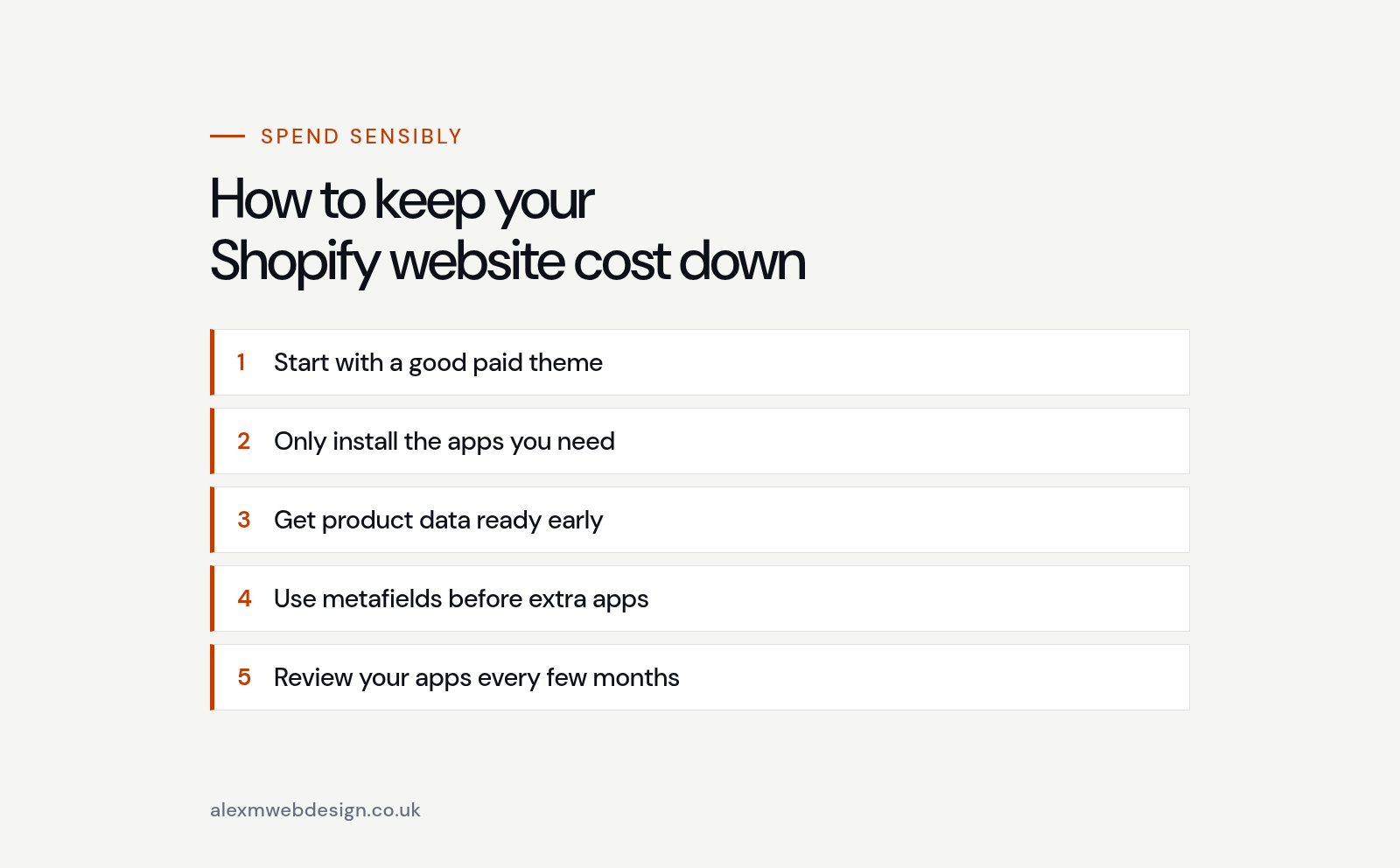
Start with a good paid theme. A well-built theme that’s close to what you want is far cheaper than a custom build, and you can add custom sections later once the shop is selling.
Only install the apps you need. Ask what each app does that Shopify can’t do already. Plenty of features, like basic product filters and email marketing, are now built in, and every app you skip trims your monthly Shopify website cost.
Get your product data ready early. A clean spreadsheet with titles, descriptions, prices, variants and image names saves hours of work and keeps the project moving.
Use metafields before extra apps. Size guides, specs and product details can often live in metafields and show up through the theme, with no monthly fee.
Review your apps every few months. Remove the ones you don’t use and check the ones you keep are still worth it. It’s one of the quickest ways to bring down the ongoing Shopify website cost.
Already selling? Check before you rebuild
Plenty of shop owners think they need a new store when what they really need is a few fixes. If the shop looks fine but isn’t getting found, the problem might be slow pages, missing page titles, thin collection pages or product pages that don’t match what people search for.
That’s what my SEO Health Check is for. It’s a fixed-price review, £250 for a half day or £400 for a full day, that tells you what’s holding the site back and what to fix first. Sometimes the answer is a rebuild. Often it isn’t, and a few targeted changes save you the full Shopify website cost of starting again.
When WordPress might be the better fit
Shopify is excellent when selling is the main job of the site. If your business is mostly services, with a small shop on the side, WordPress with WooCommerce can work out cheaper over time, because there’s no monthly platform fee and fewer subscriptions. My guide to WordPress website cost covers that side in the same way, so you can compare the two properly.
For agencies: white-label Shopify help
If you run an agency and have more Shopify work than hands, I take on white-label builds and overflow. I’ve worked in agencies myself, so I’m used to working from designs, fitting into your process and keeping the client relationship yours. Theme customisation, Liquid sections, metafields and app setup are all fine, priced by the day or the hour so it fits into your own quote.
Shopify website cost FAQs
Is Shopify cheaper than WordPress?
For a straightforward online shop, Shopify is often simpler and can work out similar overall, because hosting, security and the checkout are included. For a site that isn’t mainly a shop, WordPress is usually cheaper to run. It depends on what the site needs to do.
Can I build a Shopify store myself to save money?
Yes, and Shopify is one of the easier platforms to start on yourself. Plenty of people launch on a theme and bring in a developer later for custom sections or tidying up, which is a sensible way to spread the Shopify website cost.
How long does a Shopify store take to build?
A starter shop can be ready in a week or two once products and photos are in. Bigger catalogues and custom themes take longer, mostly because of product data, feedback rounds and testing rather than the build itself.
Do I need Shopify Plus?
Most small and medium UK shops don’t, and it adds a lot to your Shopify website cost. Plus is aimed at high-volume businesses that need things like full checkout customisation, more automation or lots of B2B catalogues. Start on a standard plan and move up only when there’s a clear reason.
Getting an accurate quote for your shop
The quickest way to get a reliable number is to share some detail up front. Roughly how many products you have, whether you need variants, any features like subscriptions or wholesale pricing, a couple of shops you like and whether your photos and descriptions are ready will let a developer give you a proper estimate rather than a guess.
You can see some of the sites I’ve built on my work page, read more about what I do, or find out a bit about me. If you’d like a straight answer on what your Shopify website cost is likely to be, get in touch here or email info@alexmwebdesign.co.uk. I’ll tell you honestly what you need, even if it’s less than you expected.