If selling products is the main job of your website, use Shopify. If the site is there to build trust and bring in enquiries, use WordPress.
That’s the short answer to WordPress vs Shopify for most small UK businesses, and it’s the question I’m asked more than any other. The interesting part is the in-between, where the right choice depends less on the software and more on how your business actually runs. This WordPress vs Shopify guide covers what each platform is, where each one wins, what they really cost to run, the mistakes I see people make, and five questions that usually settle it.
Contents
WordPress vs Shopify: what each platform actually is
They aren’t quite like for like, so it helps to start there.
Shopify is an online shop you rent. You pay monthly, and Shopify looks after hosting, security, updates and checkout. You add products, choose a theme and start trading. Everything in it points towards a sale.
WordPress is a content management system. The software itself is free from WordPress.org, you choose the hosting, and themes and plugins let it do almost anything. To sell, you add WooCommerce, a free plugin that turns it into a shop.
Put simply, Shopify is a shop that can have some pages. WordPress is a website that can have a shop. Most of the WordPress vs Shopify debate comes back to that one difference.
Hosted versus self-hosted, in plain English
With Shopify, the platform and the hosting come as one package. You can’t pick a different server, and you don’t need to. With WordPress, you rent space from a hosting company and install WordPress on it. That gives you more choice and more control, but it also means someone has to be responsible for keeping it healthy.
Neither is better in the abstract. This part of WordPress vs Shopify is really a question of whether you’d rather pay for convenience or pay for flexibility.
Where Shopify wins
When selling is the point, Shopify usually wins the WordPress vs Shopify comparison. The checkout is quick, trusted and well tested, and it works properly on phones, which is where most of your customers will buy.
It also takes the technical side off your plate. No hosting to pick, no updates to run, no plugins falling out with each other on a Tuesday afternoon. If you’re busy running the business, that’s worth paying for.
Stock, orders, discount codes, shipping and tax are part of the core platform rather than bolted on. If you also sell at markets or over a counter, Shopify POS keeps those sales tied to your online stock.
The WordPress vs Shopify trade-offs are real, though:
- Costs creep. The monthly plan is only the start. Many useful features come from paid apps, each with its own subscription. Add them up before you commit.
- Transaction fees. Use a payment provider other than Shopify Payments and you pay extra on every sale.
- Content is basic. Blog posts and page editing are fine, but limited. If content drives your marketing, you’ll feel it.
- You’re renting. Your shop lives on Shopify’s platform and follows its rules. Leaving is possible, but it’s proper work.
Where WordPress wins
WordPress is the better fit when you sell a service rather than a product range, and for most service businesses WordPress vs Shopify isn’t a close call. Most of the small businesses I work with are accountants, therapists, builders and consultants. They need a site that explains what they do, shows the work, answers the usual questions and makes getting in touch easy. WordPress does that very well.
It’s also the stronger side of WordPress vs Shopify if content matters to you. Blog posts, case studies, guides, a resources section: you get far more control over how it’s organised and laid out. It started life as a blogging platform.
Then there’s ownership. You own the site and the content outright. You choose the host, move when you like, and extend it in most directions: bookings, memberships, events, quote forms, directories. If your business works in a slightly unusual way, WordPress can usually be shaped around it, rather than the reverse.
And if you only want a small shop on the side, a few products, gift vouchers or downloads, WooCommerce handles it without a second platform.
Its downsides, plainly:
- It needs looking after. Core, theme and plugins all need regular updates, plus backups and security checks. Skip them and problems build quietly.
- Quality varies. There are thousands of themes and plugins, and plenty are badly made. A poorly built WordPress site is slow and fragile.
- More moving parts. WooCommerce can run a large shop, but at volume it takes more setup and more care than Shopify.
Most of the WordPress horror stories I hear are about how a site was built, not about WordPress.
WordPress vs Shopify costs compared
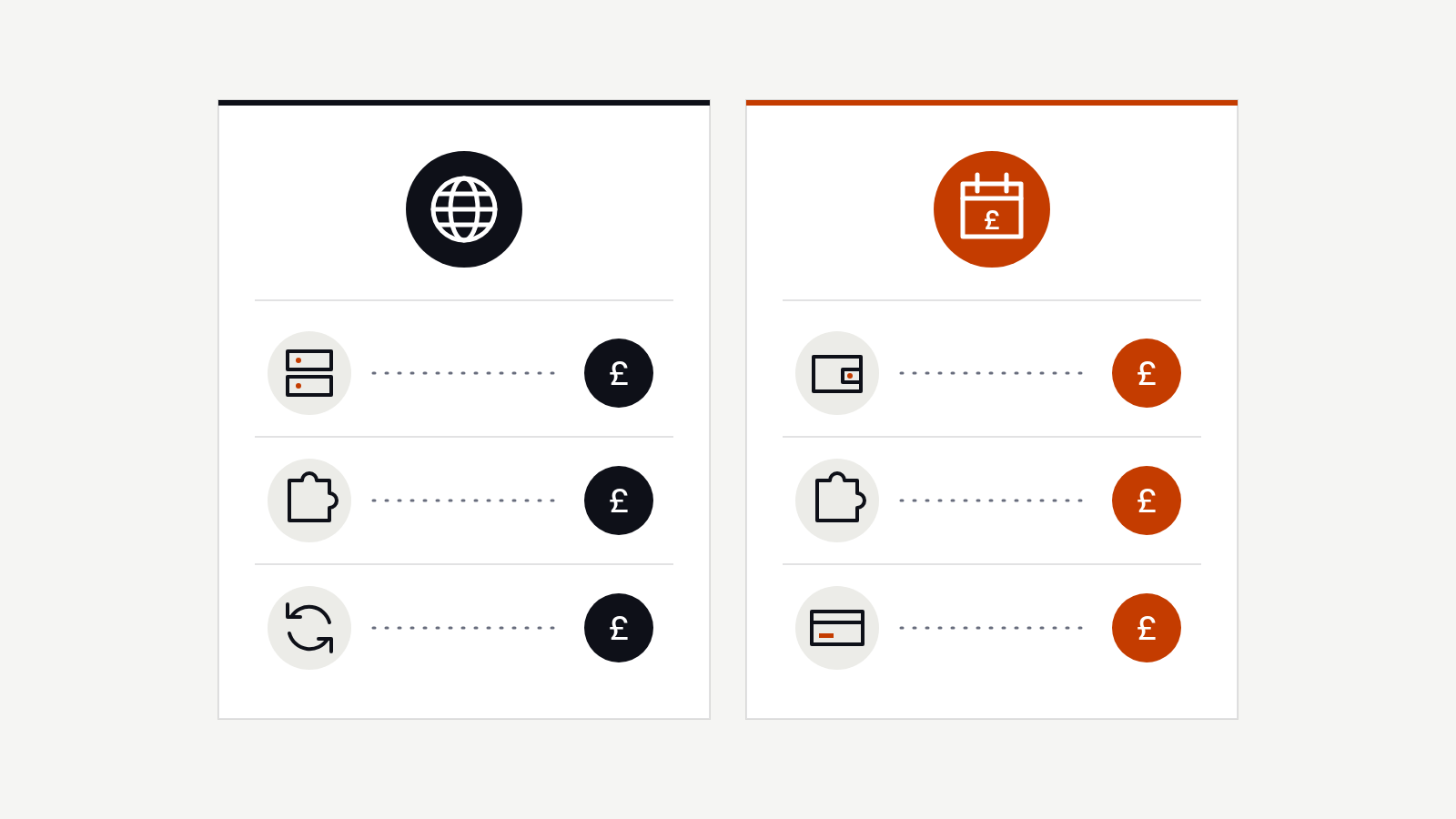
Running costs are where WordPress vs Shopify gets confusing, so it’s worth slowing down. The build is a one-off. The running costs are what you live with every month, and they work quite differently on each platform.
What Shopify costs to run
Shopify’s costs come in three layers.
- The monthly plan. The entry plans sit in the tens of pounds a month, and the bigger plans step up from there. Check the current figures on Shopify’s pricing page, as they do change.
- Apps. This is the layer that creeps. Reviews, subscriptions, product options, better search, email pop-ups, wholesale pricing: each tends to be a separate app, and many charge somewhere between a few pounds and a few tens of pounds a month. Five or six apps can quietly cost more than the plan itself.
- Payment and transaction fees. Every card payment carries a processing fee, as it would anywhere. If you use a payment provider other than Shopify Payments, Shopify adds its own transaction fee on top.
A paid theme is usually a one-off cost. The upside is that hosting, security and updates are included, so there isn’t a separate bill for keeping the lights on.
What WordPress costs to run
WordPress costs are spread differently.
- Hosting. Cheap shared hosting can be a few pounds a month, but I wouldn’t run a business site on the cheapest tier. Decent managed hosting for a small business usually sits somewhere between ten and a few tens of pounds a month.
- Premium plugins. Many good plugins are free. The ones you pay for, such as forms, backups, SEO tools or booking systems, are usually annual licences rather than monthly fees. Budget for a handful at tens of pounds a year each.
- Care and maintenance. Someone needs to run updates, check backups and keep an eye on security. You can do it yourself if you’re comfortable, or pay for a care plan, which for a small business site typically runs from a few tens of pounds a month upwards.
- Payment fees. If you sell through WooCommerce, your payment provider takes its usual processing fee. There’s no extra platform fee on top.
WordPress vs Shopify: which works out cheaper?
For a brochure site with no shop, WordPress is almost always cheaper to run. For a shop with a decent product range, the honest answer is that they often end up in a similar place once you add Shopify apps on one side and hosting, plugins and care on the other. The difference is what you get for the money: Shopify buys you convenience, WordPress buys you control.
The real cost to watch on both sides of WordPress vs Shopify is your own time. A platform that saves you two hours a week is worth a lot more than a few pounds a month.
Common mistakes when choosing WordPress vs Shopify
I see the same handful of mistakes again and again. None are disasters, but each costs time or money later.

Choosing on build price alone
The cheapest quote isn’t the cheapest site. A quick build on the wrong platform often costs more over three years than a dearer build on the right one. Look at the running costs and the time you’ll spend in the admin, not just the invoice at the start.
Copying a friend or competitor
Your friend’s candle shop runs beautifully on Shopify. That doesn’t mean your joinery business should. In any WordPress vs Shopify decision, the right answer depends on how your business makes money, not on what worked for someone else.
Building for a business you might have one day
It’s tempting to plan for the big shop you’ll have in five years. It’s usually better to build for the next two years and make sure the site can grow. A small WooCommerce shop can move to Shopify later if products take off, and a Shopify site can add more content as you go.
Ignoring who will run the site
If you’ll be the one adding products, writing posts and answering orders, try both admin areas before you decide. A free trial is the cheapest WordPress vs Shopify test there is. Some people find Shopify’s admin simpler, others prefer WordPress. That day-to-day comfort matters more than a feature list.
Forgetting about SEO and content
SEO is rarely the deciding factor in WordPress vs Shopify. Both platforms can do well when they’re set up properly. Where they differ is how easy it is to publish and organise content. If blog posts, guides and local pages are a big part of how customers find you, factor that in early.
Signing up for too many apps or plugins
On Shopify, it’s apps. On WordPress, it’s plugins. Either way, every add-on is something else to pay for, update and troubleshoot. Start with what you need.
The in-between cases
Some businesses don’t land neatly on either side of WordPress vs Shopify. These are the three I see most.
The café or bakery. Mostly opening hours, a menu and a way to find you, plus a few hampers at Christmas. WordPress with WooCommerce, nearly always. The shop is a side line, so the site shouldn’t be built around it.
The maker or small brand. Thirty products and plans for more. Shopify, almost every time. You’ll spend your days in the admin, and Shopify’s is simply easier to live with.
The service business adding products. A personal trainer selling programmes, or a consultant selling workshops. This one depends on which side is growing. If the products could become the business, lean towards Shopify. If they’ll stay a side line, WordPress keeps everything in one place.
A UK example: WordPress vs Shopify for a South London florist
Here’s a made-up but typical case, the kind of mix I come across a lot.

Say a florist in South London has a small shop, a wedding and events side, and a growing number of local delivery orders. Their current site is a few pages on a website builder, and a supplier has told them Shopify is the only serious option for selling flowers online.
Go through the numbers and two things stand out. Around a third of the income comes from weddings and events, which are all enquiries, consultations and quotes. The rest comes from bouquets and local delivery, where people want to choose, pay and pick a delivery slot quickly, usually on a phone.
Shopify would handle the bouquets very well, but the wedding side needs proper galleries, detailed service pages and a fairly involved enquiry form. Doing that well on Shopify means more apps and more workarounds. WordPress with WooCommerce can handle both, with a delivery date plugin for the bouquets and a custom quote form for events.
In that case I’d point them to WordPress. The product range is small and fairly stable, the content side matters, and they get one place to manage everything. If they were selling hundreds of products or shipping nationally, I’d recommend Shopify without hesitation.
The point isn’t that WordPress wins. It’s that the answer comes from looking at where the money actually comes from, not from what the platform is known for. That’s how I’d approach any WordPress vs Shopify decision.
Five questions that usually settle it
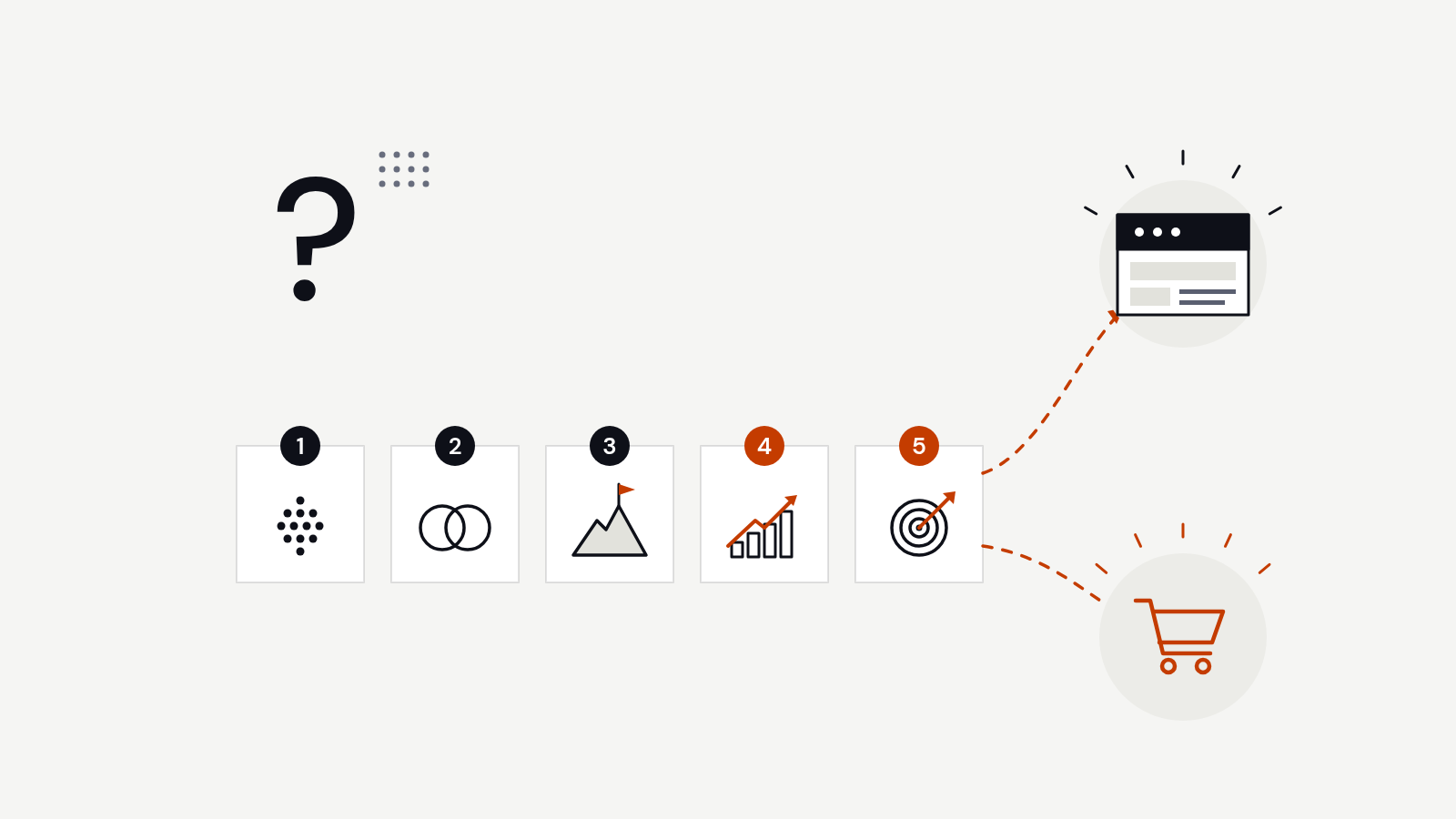
These five questions sort out most WordPress vs Shopify decisions. Answer them honestly, and the right platform is usually obvious.
1. In a year, will most of your website income come from online sales or from enquiries?
This is the big one. If most of your income will come from people adding items to a basket and paying, Shopify is usually the better fit. If most of it will come from people calling, emailing or filling in a form, WordPress is usually the better fit. If it’s a genuine split, look at which side is growing.
2. How many products do you have, and how often does that change?
Product count is often where WordPress vs Shopify tips one way. A handful of products that rarely change is easy on either platform. Dozens or hundreds of products, with variants, stock levels and regular new lines, is where Shopify’s admin really earns its keep. WooCommerce can do it, but it takes more setup and more care to keep it running smoothly.
3. Who will look after the site day to day, and how comfortable are they with the technical side?
If nobody on your team wants to think about updates, backups or hosting, Shopify’s all-in-one approach is a relief. If you’re happy to have a developer or care plan look after the technical side, WordPress gives you more room. Be honest about how much time you’ll really spend on the site.
4. What’s your budget for running costs, not just the build?
This is the part of WordPress vs Shopify most people skip. Work out a realistic monthly figure for each option. On Shopify, that’s the plan, the apps you’ll need and payment fees. On WordPress, it’s hosting, premium plugins, care and payment fees. Compare them over two or three years, not just the first month.
5. Do you need anything unusual, like bookings, memberships or custom forms?
This is where WordPress vs Shopify can swing firmly towards WordPress. If your business works in a slightly different way, with bookings, memberships, courses, quote forms or directories, WordPress is often easier to shape around it. Shopify can do some of this with apps, but the further you get from a standard shop, the more you’re working against it.
The right answer to WordPress vs Shopify is the one that fits how you work, not the one a friend happens to use.
A note on switching later
Neither side of WordPress vs Shopify is a permanent choice, but moving isn’t free. Products, customers, order history, page addresses and content all need carrying across carefully, so nothing is lost and existing links keep working. Redirects from old addresses matter a lot here, for customers and for search.
If you’re unsure, it’s often easier to start small on the platform that suits you today and plan a move only if the business clearly outgrows it. An extra week on the decision now is cheaper than a migration in two years.
Want a second opinion?
I build and look after both WordPress and Shopify sites for small businesses in Clapham, across London and around the UK, so I’ve no reason to steer you either way. If you’re still weighing up WordPress vs Shopify and you’d like to talk it through, I’ll give you a straight answer, even if that answer is that you need less than you thought.
You can get in touch here or email info@alexmwebdesign.co.uk.